
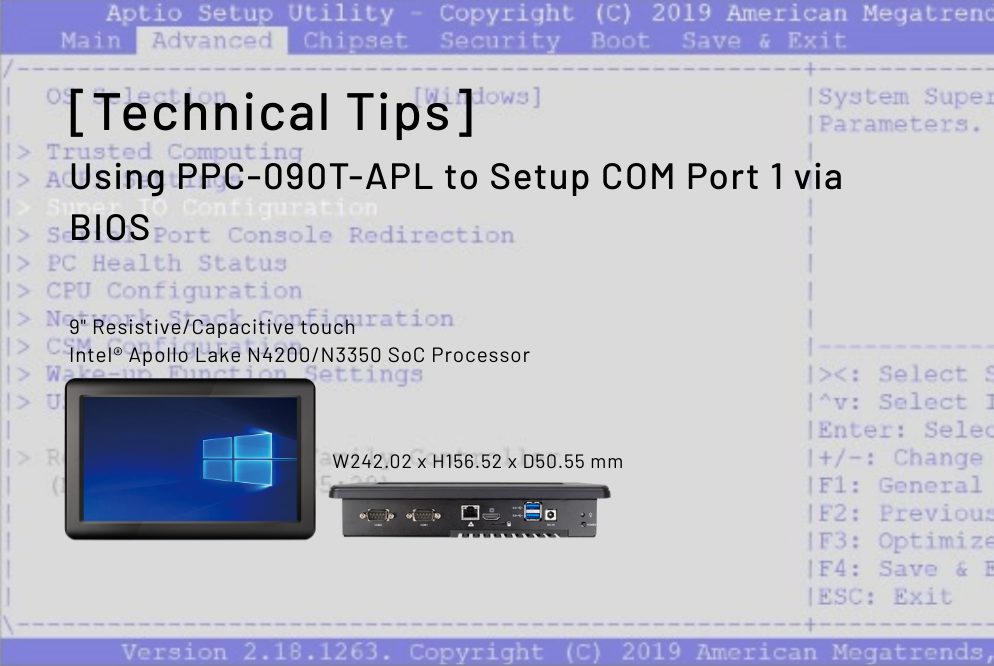
This article will tell you how to set up the COM port 1 through BIOS.
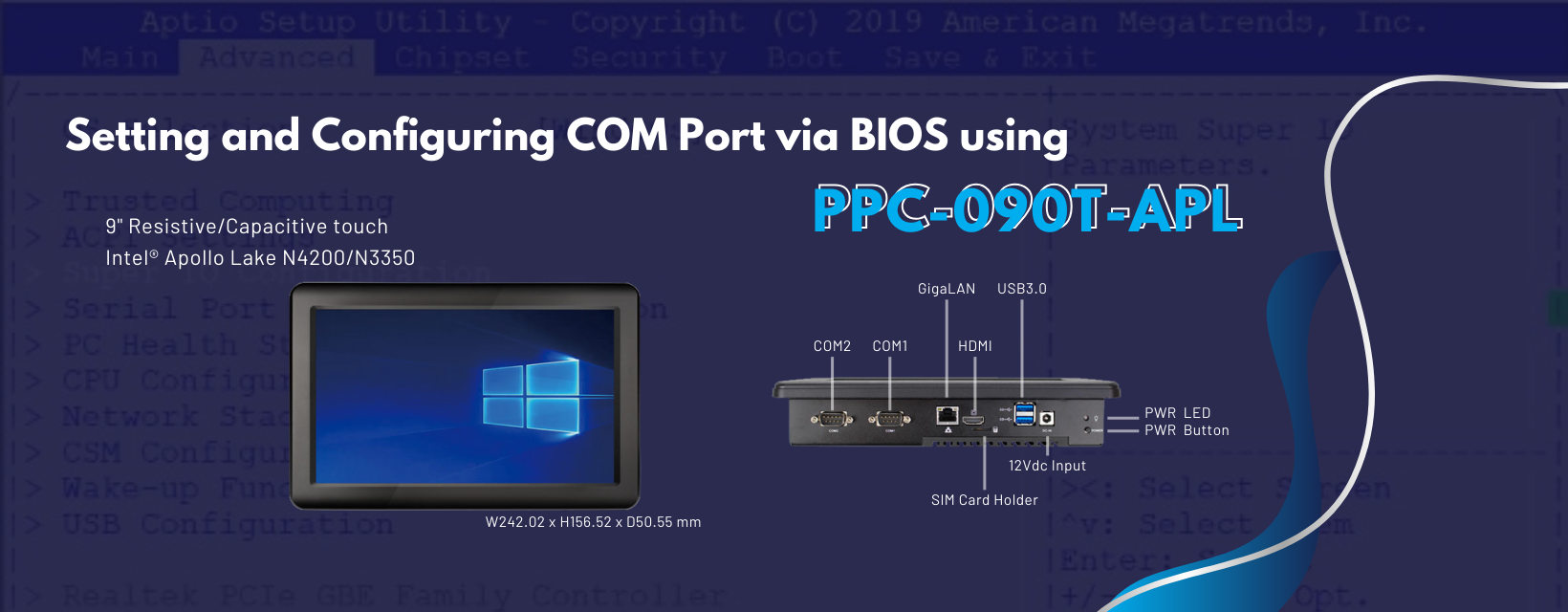
How to set up COM Port 1 via BIOS
- When the product is turned on, press
DeleteorDelto enter the BIOS - After entering BIOS, go to the
Advanceddirectory and selectSuper IO Configuration/Super%20IO%20Configuration.png)
- Select
Serial Port 1 Configuration/Serial%20Port%201%20Configuration.png)
- Go to Transmission Mode and set RS232/422/485 function
/Transmisson%20Mode%20Select.png)
- After completing the setup, press
F4to access the settings and reboot/Save%20and%20Reset.png)
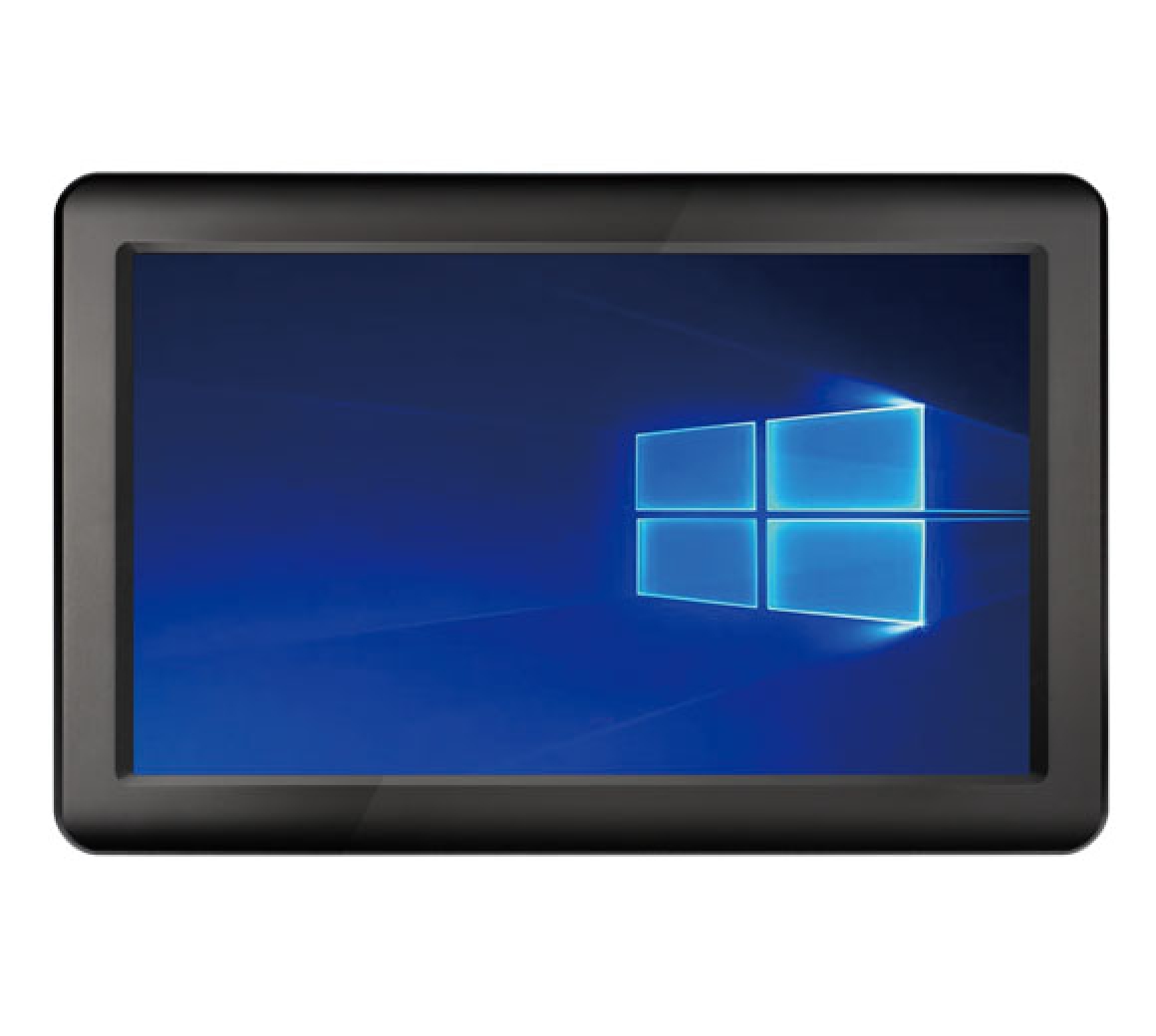
Main feature of PPC-090T-APL:
- Intel® Apollo Lake N4200/N3350 SoC Processor
- 4GB / 8GB SO-DIMM DDR3
- 2S/3U/HDMI/GLAN/Audio/M.2-2242/SATA/MiniPCIe/12V
- 9″ TFT 1024×600 Resolution LCD with Resistive or Projected Capacitive touch screen
- 9″ TFT 1024×600 Resolution LCD with Resistive or Capacitive touch screen
- HDMI as second display
- 2.5 inch SATA HDD/SSD Support (SATA III 6.0Gb/s)
- M.2 Slot Support (M-key, SATA interface, 2242)
For more info and sample requests, please write to info@icop.com.tw, call your nearest ICOP Branch, or contact our Worldwide Official Distributor.
![[Technical Tips] Upload the LCD BIOS by using the batch file to the VDX boards](https://icop-shop.com/wp-content/uploads/2026/02/Technical-Tips-Upload-the-LCD-BIOS-by-using-the-batch-file-to-the-VDX-boards-300x201.png)
![[Technical tips] Start Guides for QEC-M-01 and SANYO DENKI SANMOTION G Series (CSP PP)](https://icop-shop.com/wp-content/uploads/2026/02/Technical-tips-Start-Guides-for-QEC-M-01-and-SANYO-DENKI-SANMOTION-G-Series-CSP-PP-300x201.png)
 English
  繁體中文
繁體中文  日本語
日本語