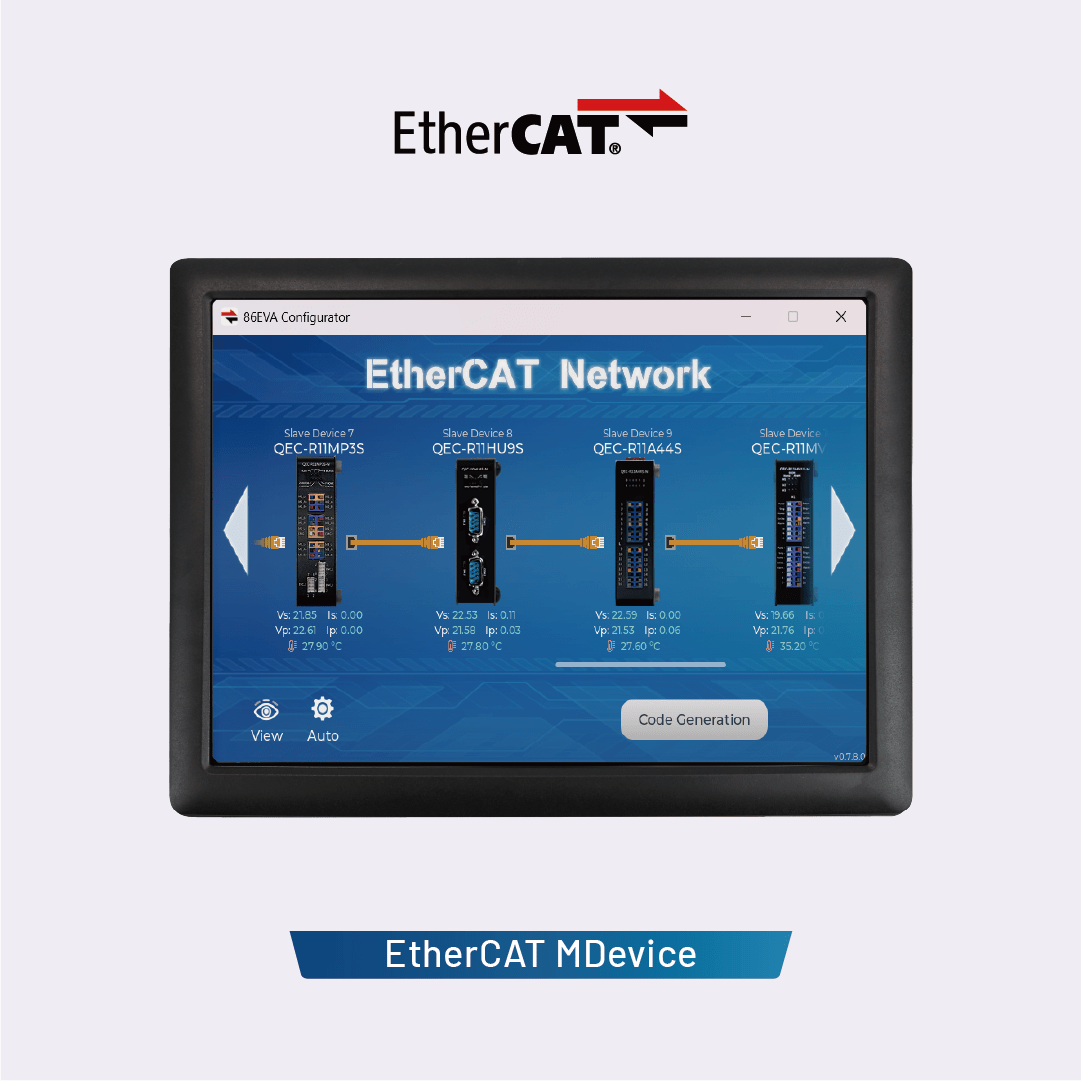
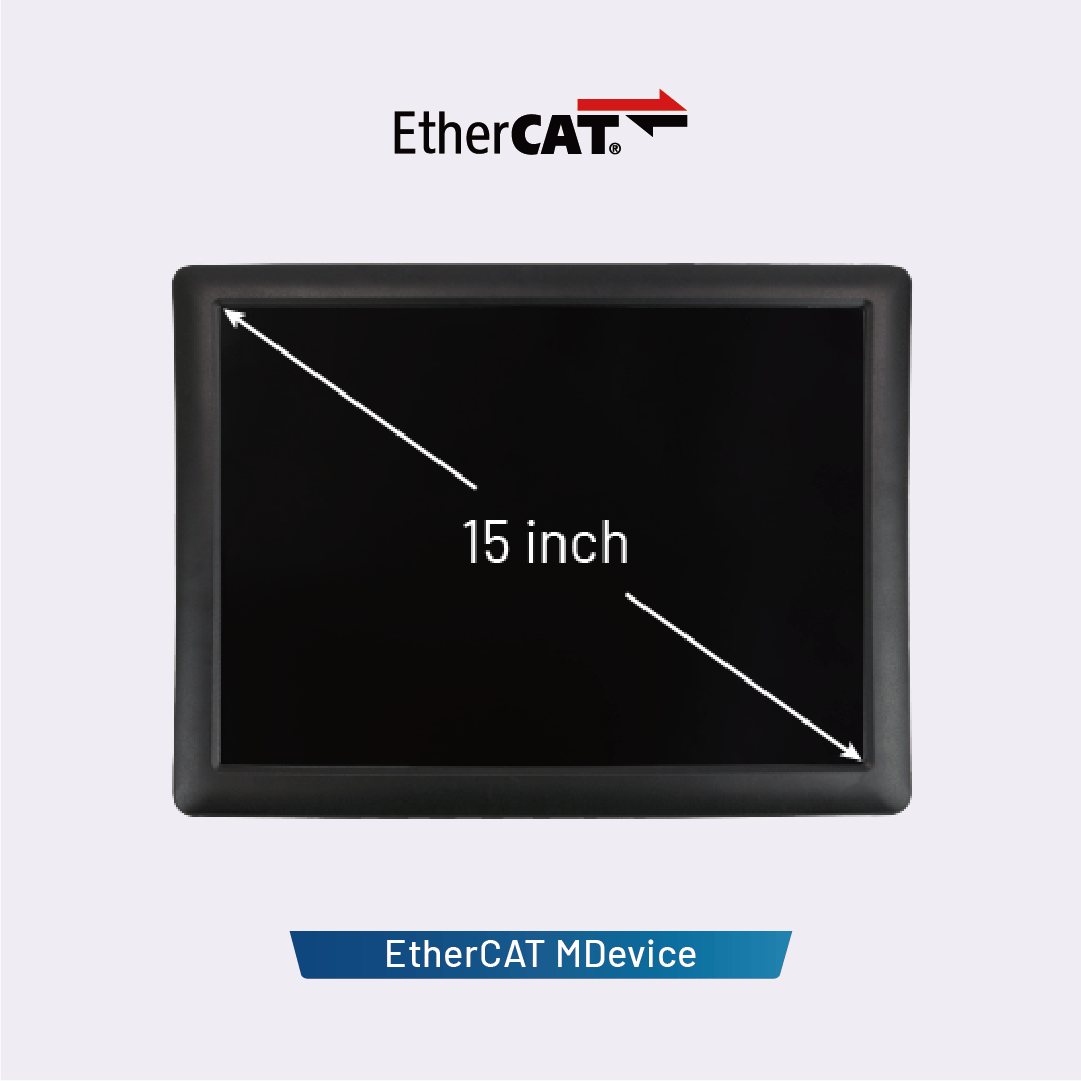
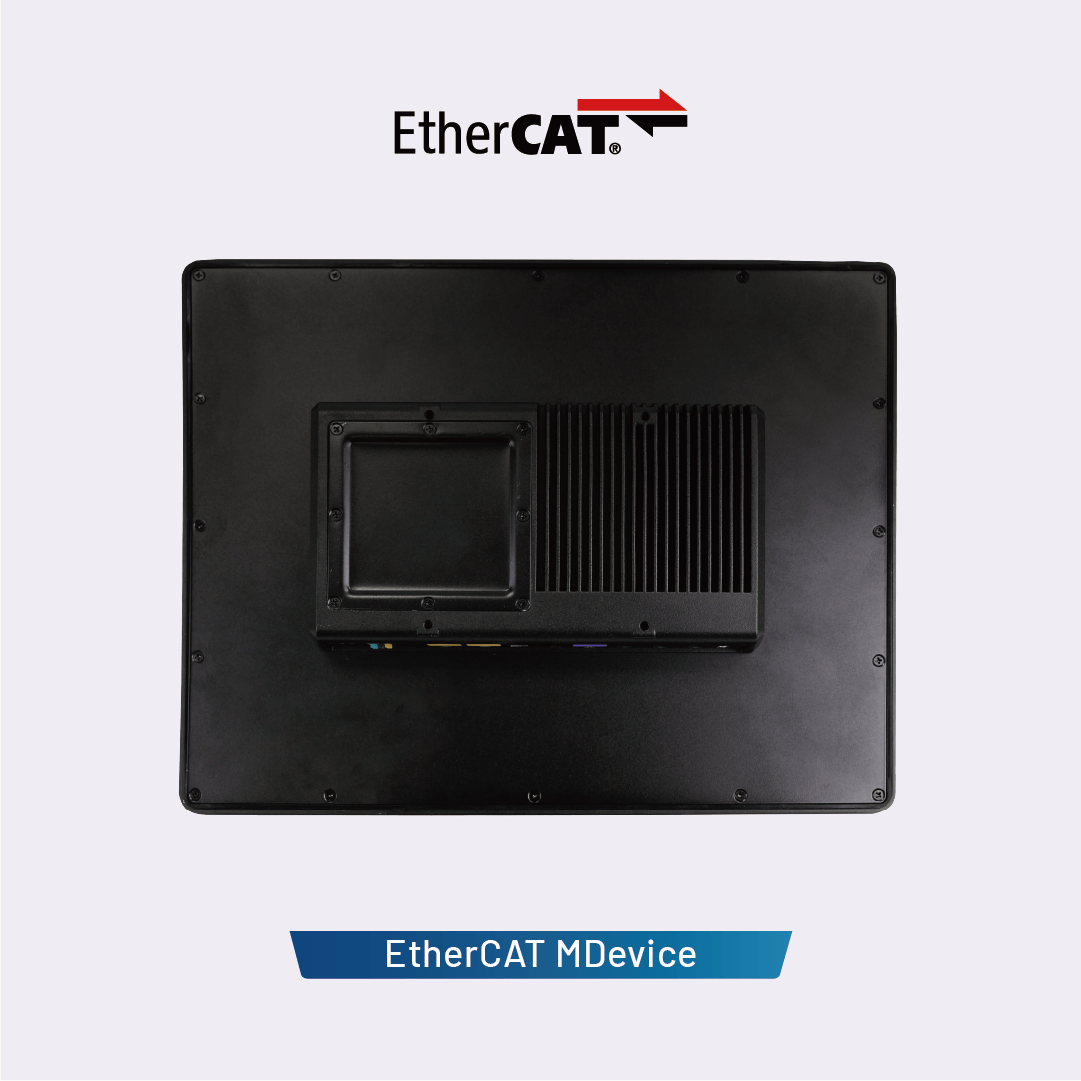
ICOP’s QEC-PPC-M series (QEC-PPC-M-090T / QEC-PPC-M-150T) is an EtherCAT MDevice system equipped with a panel and touchscreen LCD, designed specifically for real-time, reliable, and synchronized industrial human-machine interface (HMI) control. Each model integrates a high-resolution touchscreen TFT LCD display (9-inch or 15-inch), offering a rugged enclosure and a powerful control core within a compact system.
Efficient Development via the 86Duino IDE
This development environment utilizes the 86Duino IDE, an Arduino-like industrial-grade platform that supports EtherCAT APIs, graphical programming tools, and high-level C/C++ programming. It enables rapid development while reducing recruitment costs and shortening time-to-market. In addition to EtherCAT, the QEC-PPC-M series also supports Modbus TCP, Ethernet TCP/IP, and CAN bus, providing a comprehensive industrial automation solution.
Real-time, high-precision motion and I/O control
The QEC MDevice supports core EtherCAT functions, including PDO, CoE, FoE, and Distributed Clock (DC), enabling flexible integration with third-party EtherCAT devices such as servo drives and digital I/O modules. With a minimum cycle time of 125 μs and jitter of less than 1 μs (tested using the 86Duino IDE), it is an ideal choice for highly synchronized motion and I/O control applications.
Learn more: EtherCAT MDevice Benchmark Test
Powerful storage capacity, reliable I/O, diverse connectivity options, and an embedded form factor
Each model features 2GB of built-in SLC eMMC flash memory, ensuring stable operation of the operating system and providing ample storage space for executable files, HMI graphics, and application data. Users can deploy files via the 86Duino IDE. This IDE also integrates the LVGL graphics library, enabling developers to create modern, interactive touchscreen HMIs directly on QEC devices.
In addition to EtherCAT control, the QEC-PPC-M model monitors system temperature, voltage, and current, providing useful data for carbon footprint analysis and system lifespan assessment. The open-frame design (dimensions vary by model) supports flexible integration and customization for industrial applications. The standard operating temperature range is 0°C to +60°C, with an optional extended operating temperature range of -20°C to +70°C.
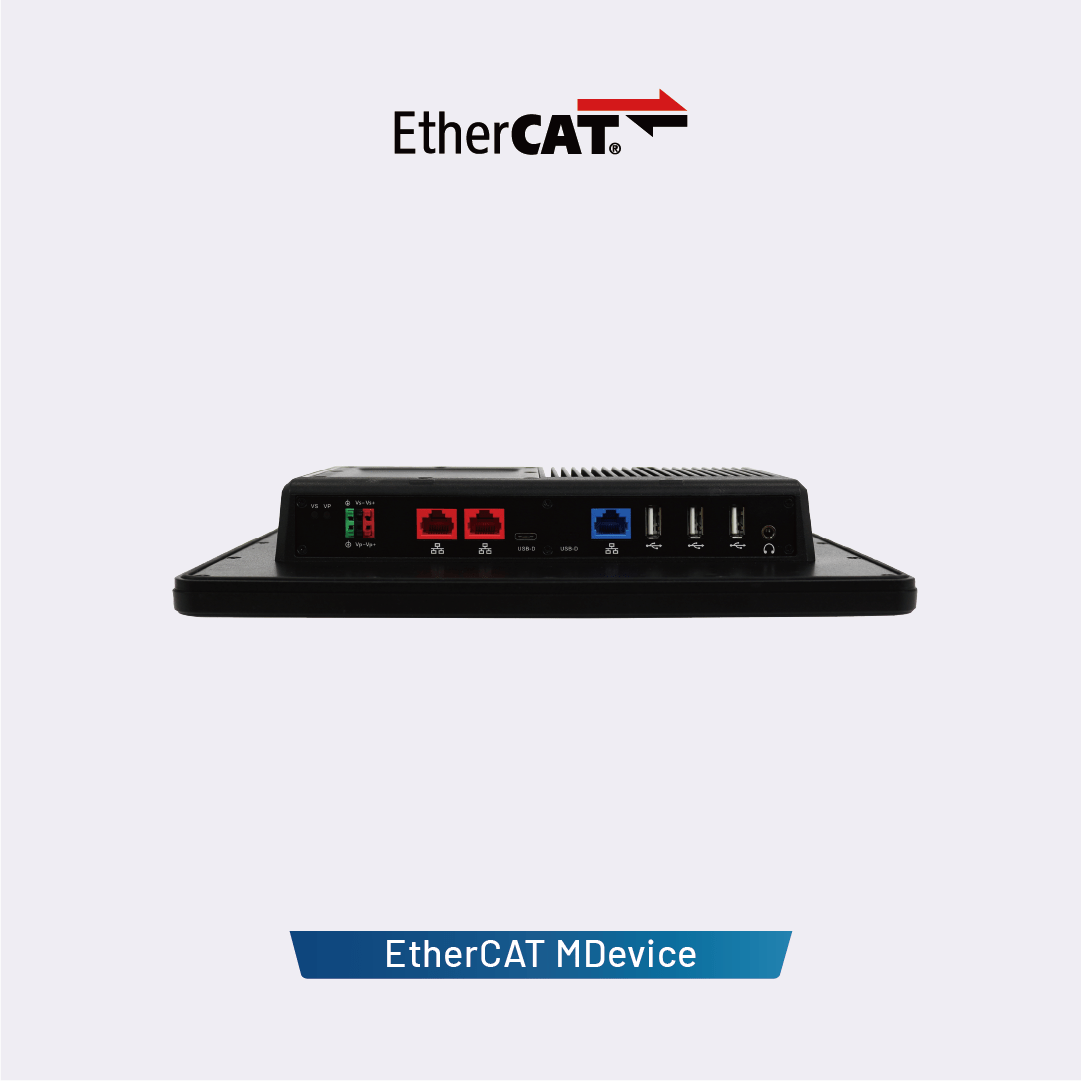
Each QEC-PPC-M unit features two EtherCAT ports (for redundancy), one Gigabit LAN port, three USB ports, one USB debug port (for uploading/debugging), and high-definition audio, all of which can be controlled via off-the-shelf libraries.
Dimensions:
.png "QEC-PPC-M-150T")
86Duino Software
86Duino Coding IDE 501
The 86Duino integrated development environment (IDE) software makes it easy to write code and upload it to 86Duino boards. It runs on Windows, Mac OS X, and Linux. The environment is written in Java and based on Arduino IDE, Processing, DJGPP, and other open-source software.
The open-source 86Duino Software (IDE) also supports QEC products, making programming and deployment straightforward. For installation instructions, please refer to the Getting Started page (Release Note). To ensure reliable performance and access to the latest updates, you can download the software from our official software center:
Libraries
The 86Duino environment can be extended through the use of libraries, just like most programming platforms. Libraries provide extra functionality for use in sketches, e.g., working with hardware or manipulating data. A number of libraries come installed with the IDE, and 86Duino supports most of the Arduino Standard Libraries as well as provides dedicated libraries to utilize the 86Duino-specific hardware functions.
You can also download or create your own libraries. See these instructions for details on installing libraries. There’s also a tutorial on writing your own libraries; and further, you may refer to Arduino’s API Style Guide for some guidelines on making a good Arduino-style API for your library.
To use a library in a sketch, select it from Sketch > Import Library.
Supported Arduino Standard Libraries
- EEPROM – reading and writing to “permanent” storage.
- Ethernet – for connecting to the internet using the onboard LAN connector.
- Firmata – for communicating with applications on the computer using a standard serial protocol.
- LiquidCrystal – for controlling liquid crystal displays (LCDs).
- SD – for reading and writing SD cards.
- Servo – for controlling servo motors.
- SPI – for communicating with devices using the Serial Peripheral Interface (SPI) Bus.
- SoftwareSerial – for software-implemented serial communication on digital pins.
- Stepper – for controlling stepper motors.
- Wire – Two Wire Interface (TWI/I2C) for sending and receiving data over a net of devices or sensors.
86Duino Only Libraries
- Motion86 – making 86Duino as a multi-axis motion controller.
- Modbus – for communicating with various Modbus ASCII/RTU/TCP devices.
- CANBus – for communicating with devices that use the Controller Area Network (CAN Bus).
- FirmataPlus86 – connecting 86Duino with Scratch.
- Servo86 – an extended servo-motor library for controlling robot motion.
- AIServo86 – a serial-servo-motor library for controlling robot motion.
EtherCAT Libraries
- EtherCAT – making QEC as an EtherCAT system.
Supported (Non-standard) Arduino Libraries
- Audio – access the onboard HD Audio interface by the API of Arduino Due’s Audio library.
- TimerOne – access 86Duino’s 32-bit hardware timer by the API of the Arduino TimerOne library.
- MsTimer2 – access 86Duino’s second hardware timer by the API of the Arduino MsTimer2 library.
- Time86 – read the on-board RTC timer by the API of the Arduino Time library.
- SCoop – provides the API of the Simple Cooperative Scheduler for Arduino to access a light and simple environment for creating powerful multi-threaded programs or easy multi-tasking solutions.
See also the list of other Arduino third-party libraries that are compatible with 86Duino.






 English
  繁體中文
繁體中文  日本語
日本語