
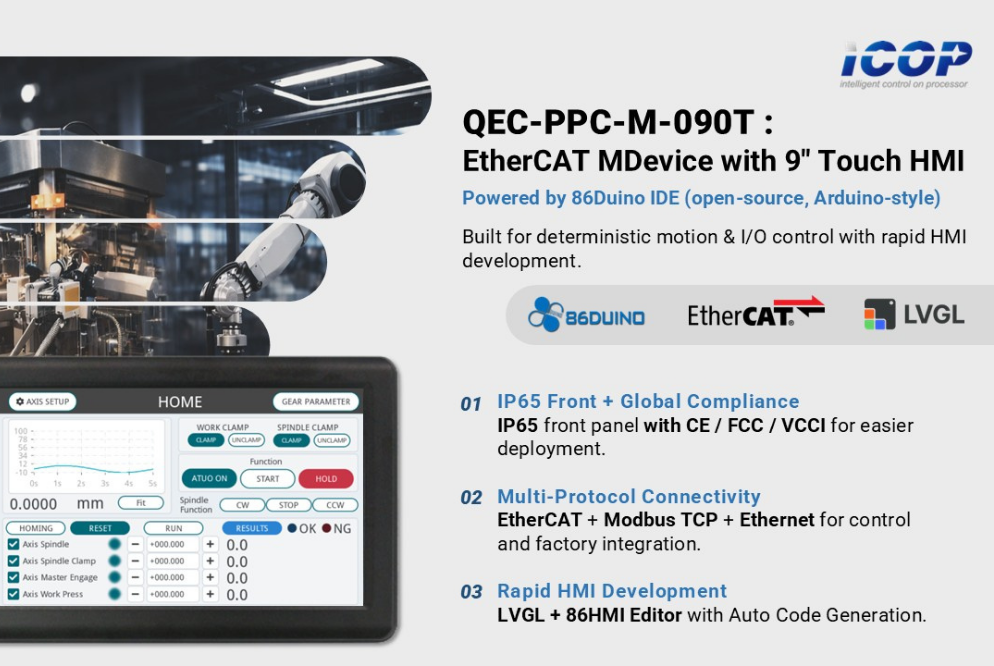
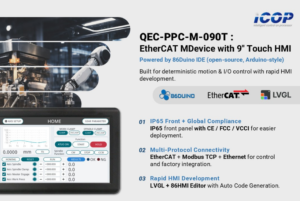
ICOP Technology 推出 QEC-PPC-M-090T, a 9-inch EtherCAT MDevice Panel PC built for machine builders who want deterministic control and a ready-to-use touch HMI in one compact platform. Instead of integrating an EtherCAT master, a separate HMI panel (or IPC), and the communication bridge between them, QEC-PPC-M-090T consolidates everything into one industrial grade controller — reducing wiring, BOM cost, and integration risk.
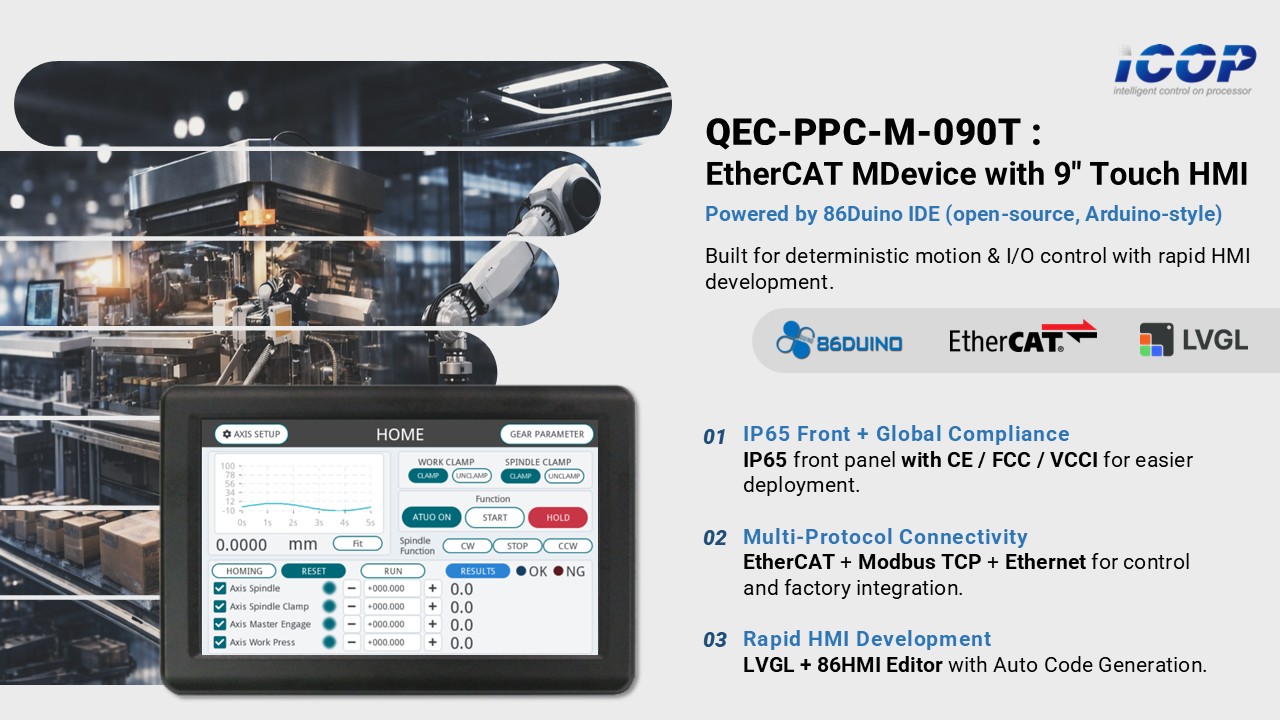 Developed with 86Duino IDE (open-source, Arduino-style), it enables fast prototyping and efficient engineering workflows while supporting 乙太網路, Modbus TCP, and real-time EtherCAT control for motion and high-speed I/O applications. It is also HMI-ready with LVGL and ICOP’s in-house 86HMI 編輯器 for rapid UI development.
One Box for Control + HMI = Less Integration, Faster Deployment
QEC-PPC-M-090T combines real-time EtherCAT control and a 9” touch HMI into one device, helping SI teams and machine builders:
- reduce components and cabinet complexity,
- shorten commissioning time,
- and improve maintainability with fewer failure points.
To support real-world factory installation and global deployment, QEC-PPC-M-090T features an IP65 front panel and CE / FCC / VCCI certifications — helping teams deploy with confidence and shorten qualification time.
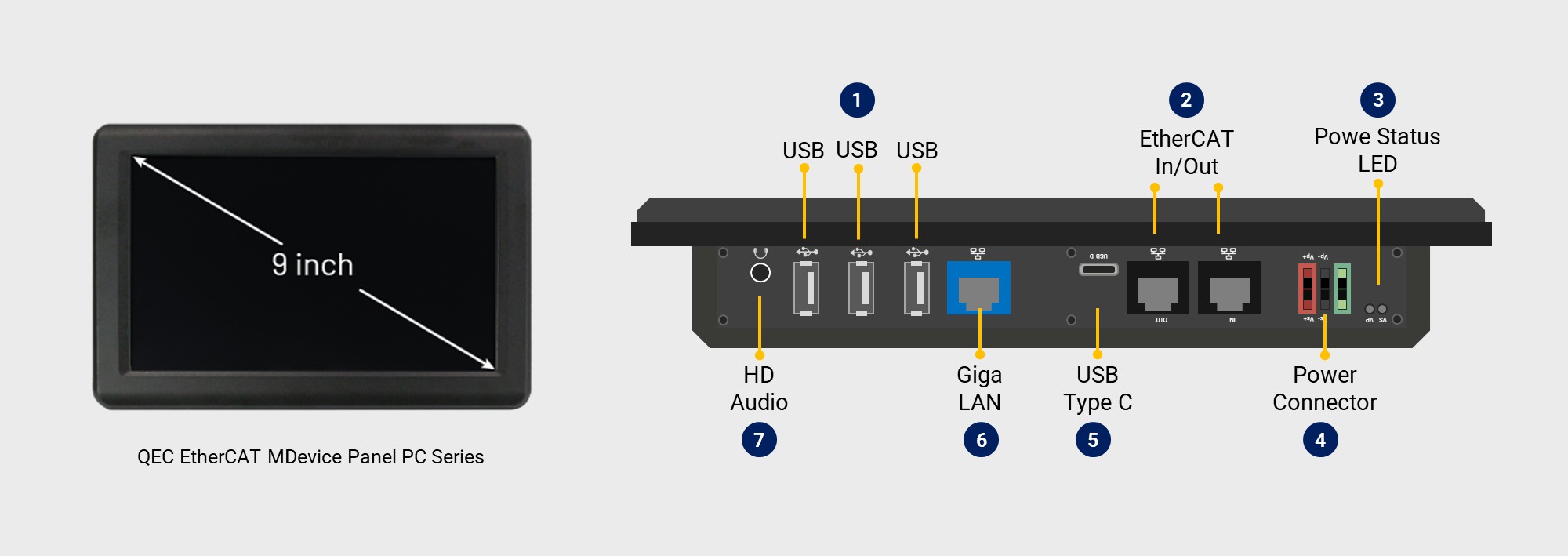
Each QEC-PPC-M unit features a built-in 2GB SLC eMMC, dual EtherCAT ports (for redundancy), one Giga LAN port, three USB ports, a USB debug port (for upload/debug), and HD Audio, which can all be accessed and controlled via an off-the-shelf Library.
Rapid HMI Design with LVGL and 86HMI Editor (Auto Code Generation)
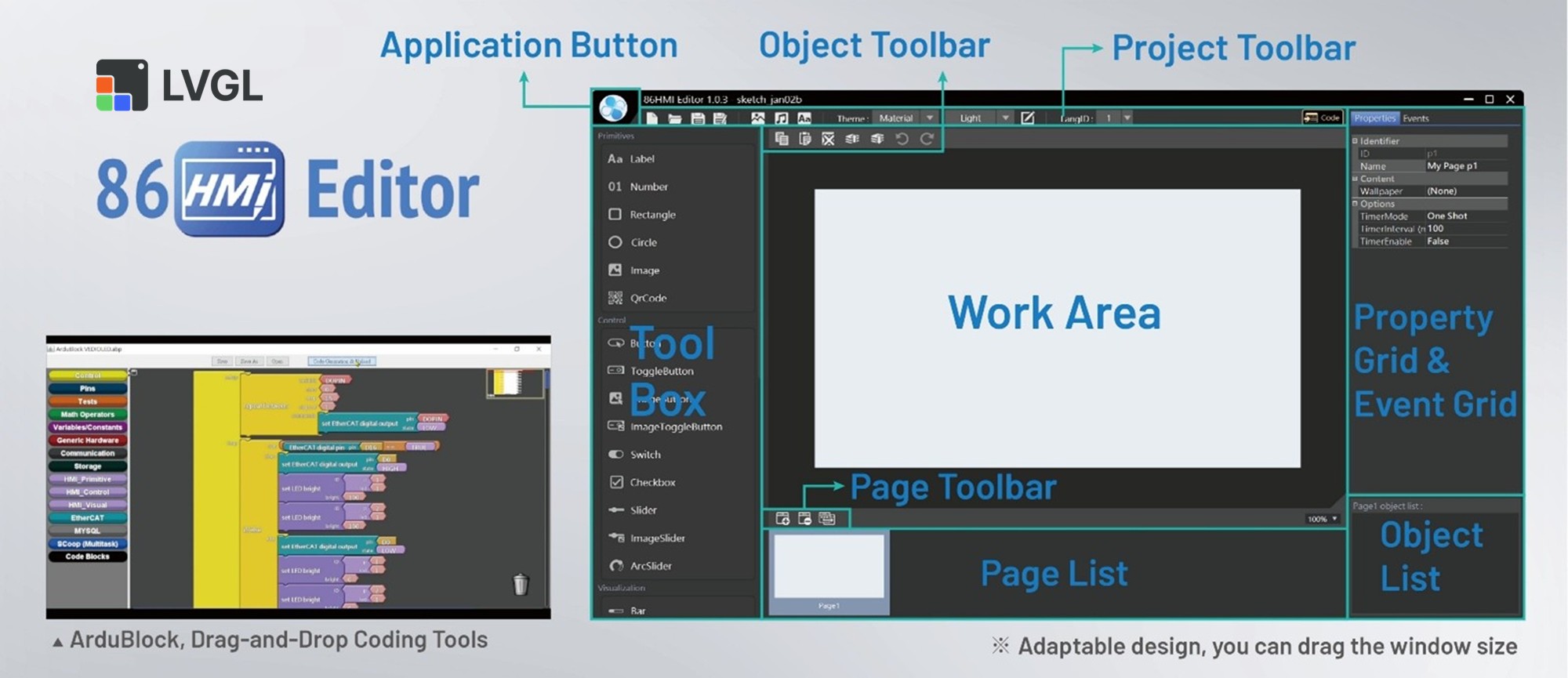
For HMI development, QEC-PPC-M-090T supports LVGL and ICOP’s in-house 86HMI 編輯器. Engineers can build interactive touchscreen HMIs with LVGL widgets, while 86HMI Editor provides a graphical workflow with Auto Code Generation — generating HMI APIs and reducing repetitive manual coding. This helps teams build and iterate customized HMIs faster, especially in projects with frequent UI changes.
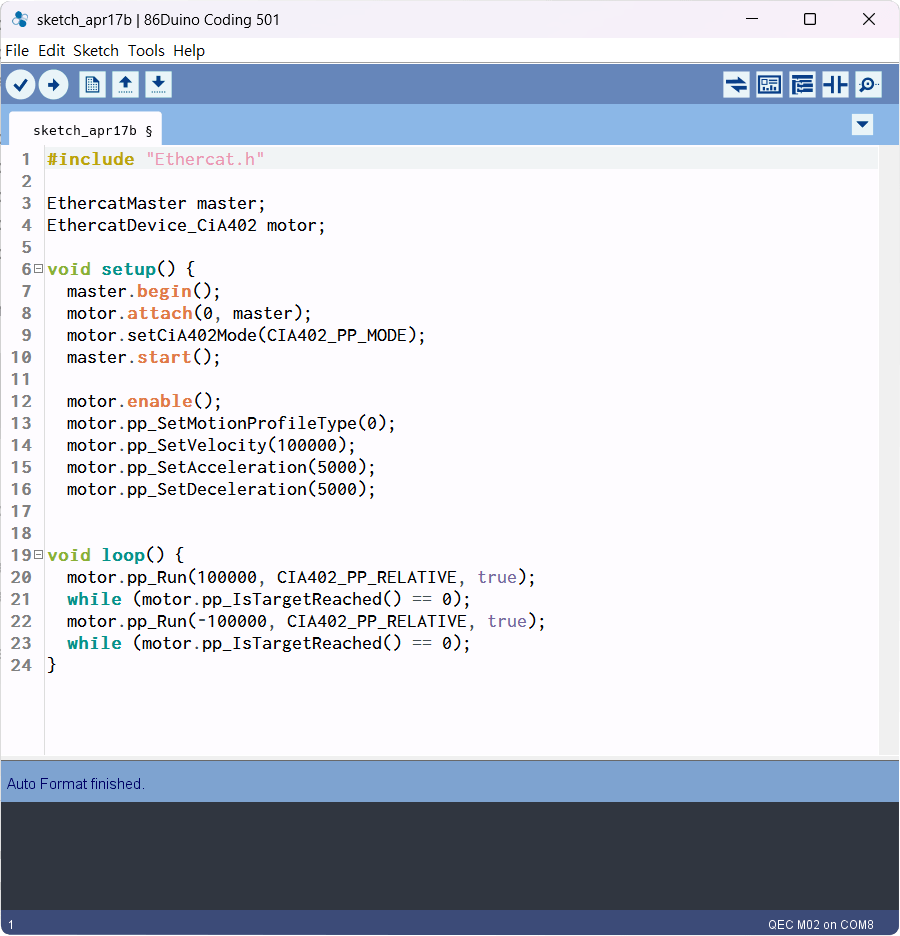
Faster Engineering with 86Duino IDE (Open-Source, Arduino-Style)
Automation projects often spend significant effort on software integration—communication, control logic, HMI flows, and diagnostics. With 86Duino IDE, teams can prototype quickly, onboard engineers faster, reuse libraries, and iterate efficiently — ideal for SI and machine builders working under tight schedules.
Industrial Connectivity for Practical System Integration
QEC-PPC-M-090T is designed for real-world deployment, supporting:
- EtherCAT for deterministic device control,
- Modbus TCP for common factory communication needs,
- 與 乙太網路 for system networking, data access, and integration with gateways/SCADA.
This multi-protocol positioning makes it easier to integrate with existing factory infrastructure while maintaining real-time control where it matters most.
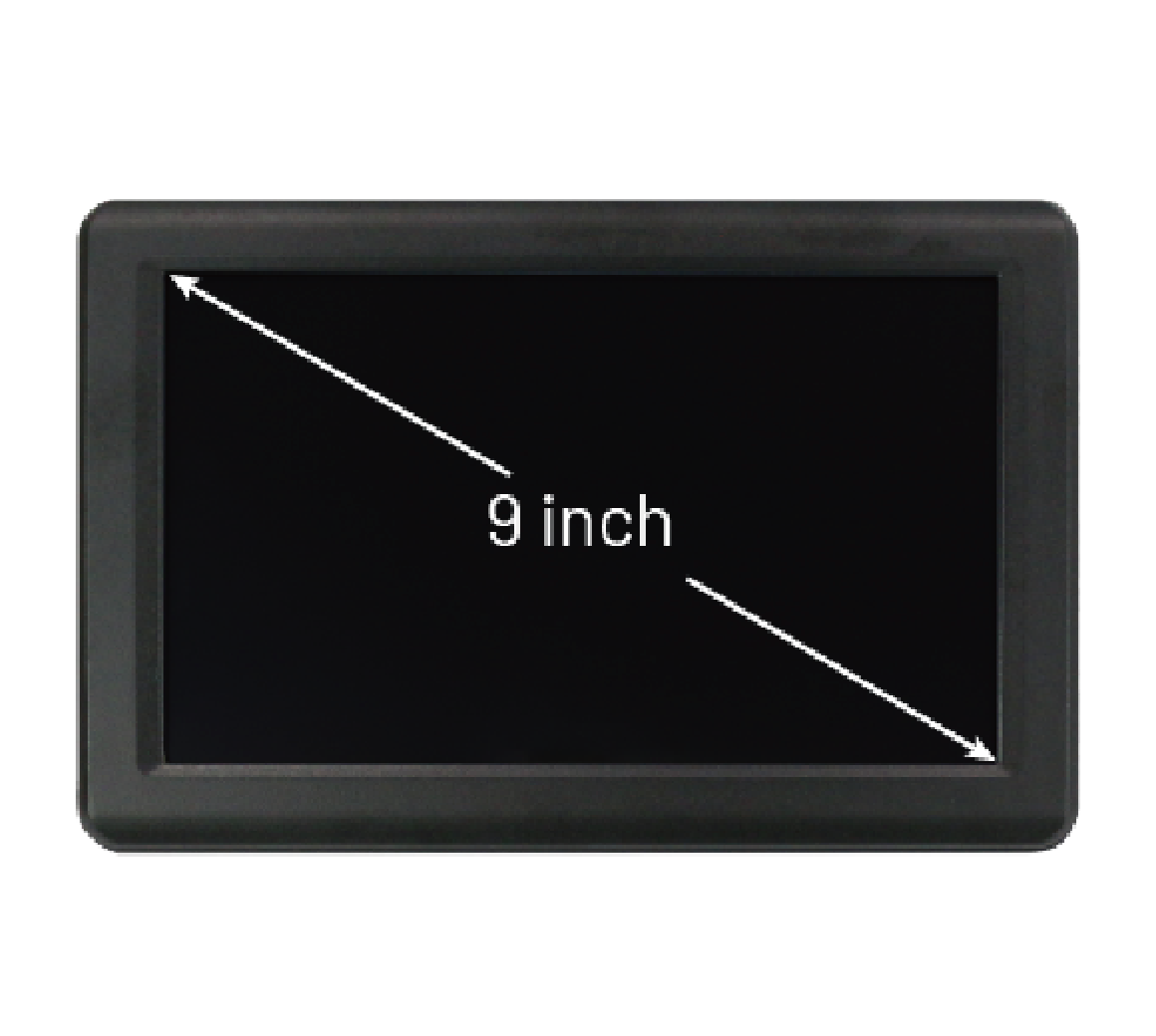
主要特點包括 QEC-PPC-M-090T:
- Real-time EtherCAT
(125 μs (min.) control cycle time and less than 1 μs jitter) - Ethernet + Modbus TCP + EtherCAT in one platform
- 86Duino IDE (open-source, Arduino-style)
- LVGL support + 86HMI Editor with Auto Code Generation
- IP65 front panel + CE / FCC / VCCI certifications
- 9-inch TFT 1024×600 LCD with resistive touchscreen
- Industrial operating temperature 0 to +60°C
- Built-in voltage, temperature, and system status monitoring
With real-time EtherCAT control and an integrated 9” touch HMI in a compact panel PC design, the QEC-PPC-M-090T is an ideal solution for machine builders seeking faster integration, predictable control performance, and an efficient development experience.
For more information and sample requests, please write to info@icop.com.tw,或致電離您最近的 ICOP 分公司,或聯繫我們的 全球官方經銷商。
![[Technical Tips] Upload the LCD BIOS by using the batch file to the VDX boards](https://icop-shop.com/wp-content/uploads/2026/02/Technical-Tips-Upload-the-LCD-BIOS-by-using-the-batch-file-to-the-VDX-boards-300x201.png)
![[Technical tips] Start Guides for QEC-M-01 and SANYO DENKI SANMOTION G Series (CSP PP)](https://icop-shop.com/wp-content/uploads/2026/02/Technical-tips-Start-Guides-for-QEC-M-01-and-SANYO-DENKI-SANMOTION-G-Series-CSP-PP-300x201.png)
 English
  繁體中文
繁體中文  日本語
日本語