

QEC-PPC-M-150T

US$ 673.00

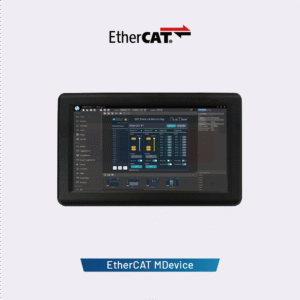
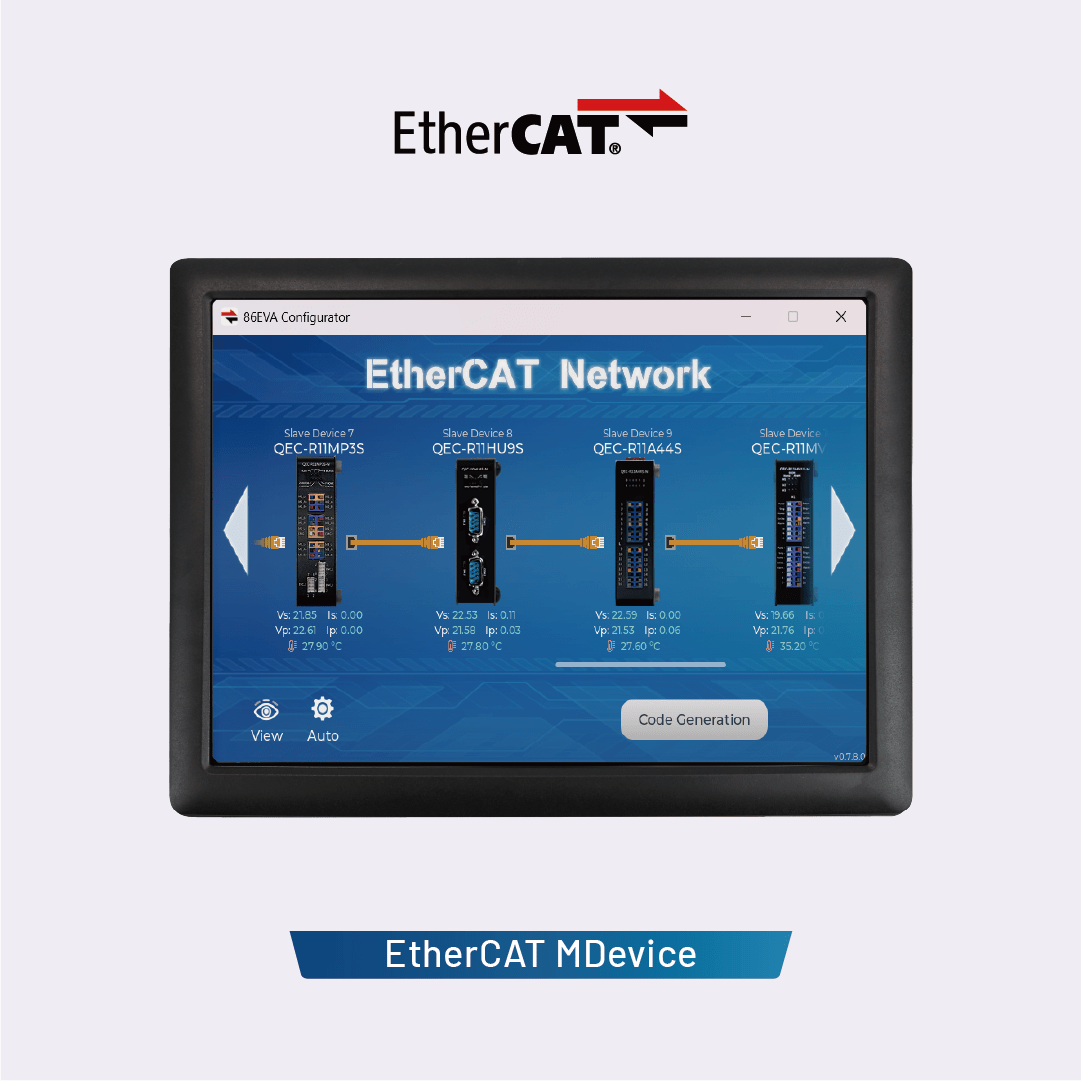
EtherCAT MDevice with a 15-inch display.

  • EtherCAT MDevice integrated with a real-time dual-core CPU
  • 86Duino統合開発環境(IDE)
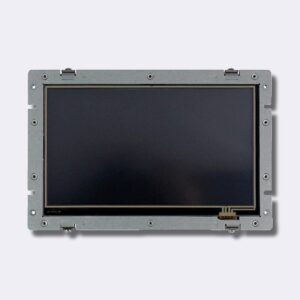
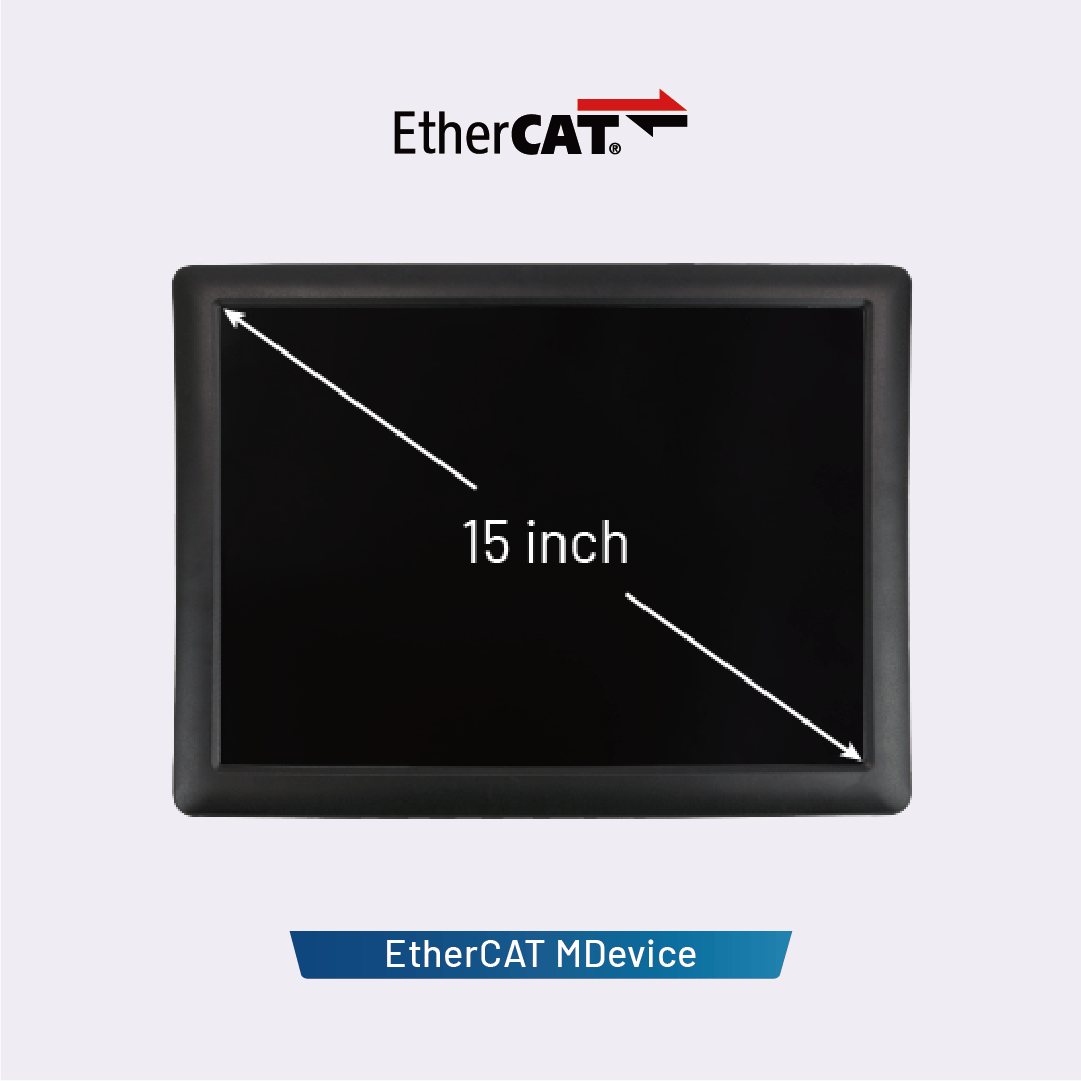
  • 15-inch TFT LCD display with 1024×768 resolution and resistive touchscreen
  • High-reliability SLC eMMC storage with HDMI output, suitable for human-machine interfaces
  • Industrial operating temperature: 0 to +60°C / -20 to +70°C (optional)
  • Built-in voltage, temperature, and system status monitoring

認証:  EtherCAT 標誌 1

サポートリンク: 仕様  |  ユーザーマニュアル  |  Software Downloads

有効: 残り在庫2個

- +
商品コード: QEC-PPC-M-150T カテゴリー: タグ: , ブランド:

ICOP’s QEC-PPC-M series (QEC-PPC-M-090T / QEC-PPC-M-150T) is an EtherCAT MDevice system equipped with a panel and touchscreen LCD, designed specifically for real-time, reliable, and synchronized industrial human-machine interface (HMI) control. Each model integrates a high-resolution touchscreen TFT LCD display (9-inch or 15-inch), offering a rugged enclosure and a powerful control core within a compact system.


Efficient Development via the 86Duino IDE
This development environment utilizes the 86Duino IDE, an Arduino-like industrial-grade platform that supports EtherCAT APIs, graphical programming tools, and high-level C/C++ programming. It enables rapid development while reducing recruitment costs and shortening time-to-market. In addition to EtherCAT, the QEC-PPC-M series also supports Modbus TCP, Ethernet TCP/IP, and CAN bus, providing a comprehensive industrial automation solution.


Real-time, high-precision motion and I/O control
The QEC MDevice supports core EtherCAT functions, including PDO, CoE, FoE, and Distributed Clock (DC), enabling flexible integration with third-party EtherCAT devices such as servo drives and digital I/O modules. With a minimum cycle time of 125 μs and jitter of less than 1 μs (tested using the 86Duino IDE), it is an ideal choice for highly synchronized motion and I/O control applications.
Learn more: EtherCAT MDevice Benchmark Test


Powerful storage capacity, reliable I/O, diverse connectivity options, and an embedded form factor
Each model features 2GB of built-in SLC eMMC flash memory, ensuring stable operation of the operating system and providing ample storage space for executable files, HMI graphics, and application data. Users can deploy files via the 86Duino IDE. This IDE also integrates the LVGL graphics library, enabling developers to create modern, interactive touchscreen HMIs directly on QEC devices.

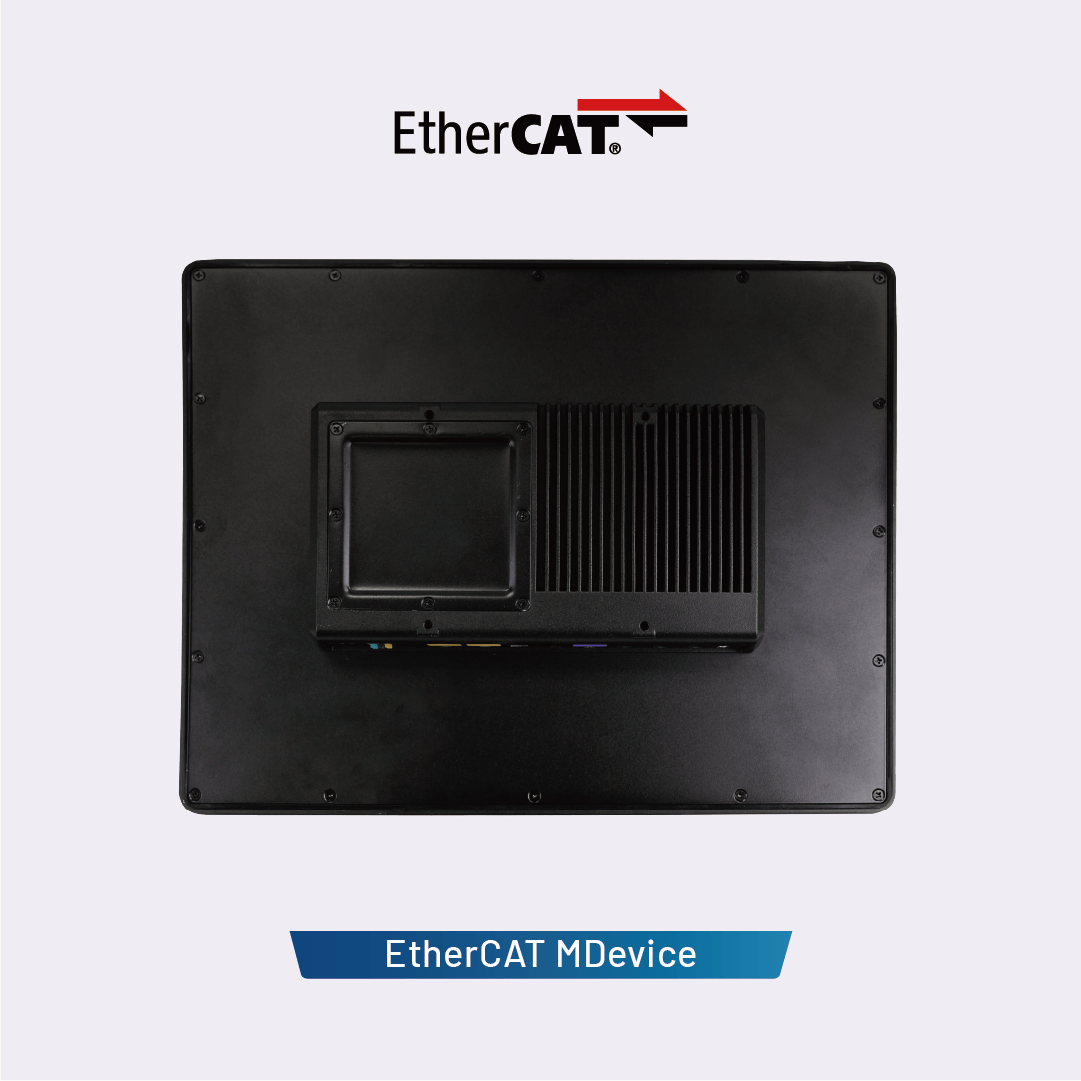
In addition to EtherCAT control, the QEC-PPC-M model monitors system temperature, voltage, and current, providing useful data for carbon footprint analysis and system lifespan assessment. The open-frame design (dimensions vary by model) supports flexible integration and customization for industrial applications. The standard operating temperature range is 0°C to +60°C, with an optional extended operating temperature range of -20°C to +70°C.

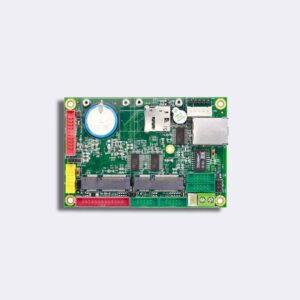
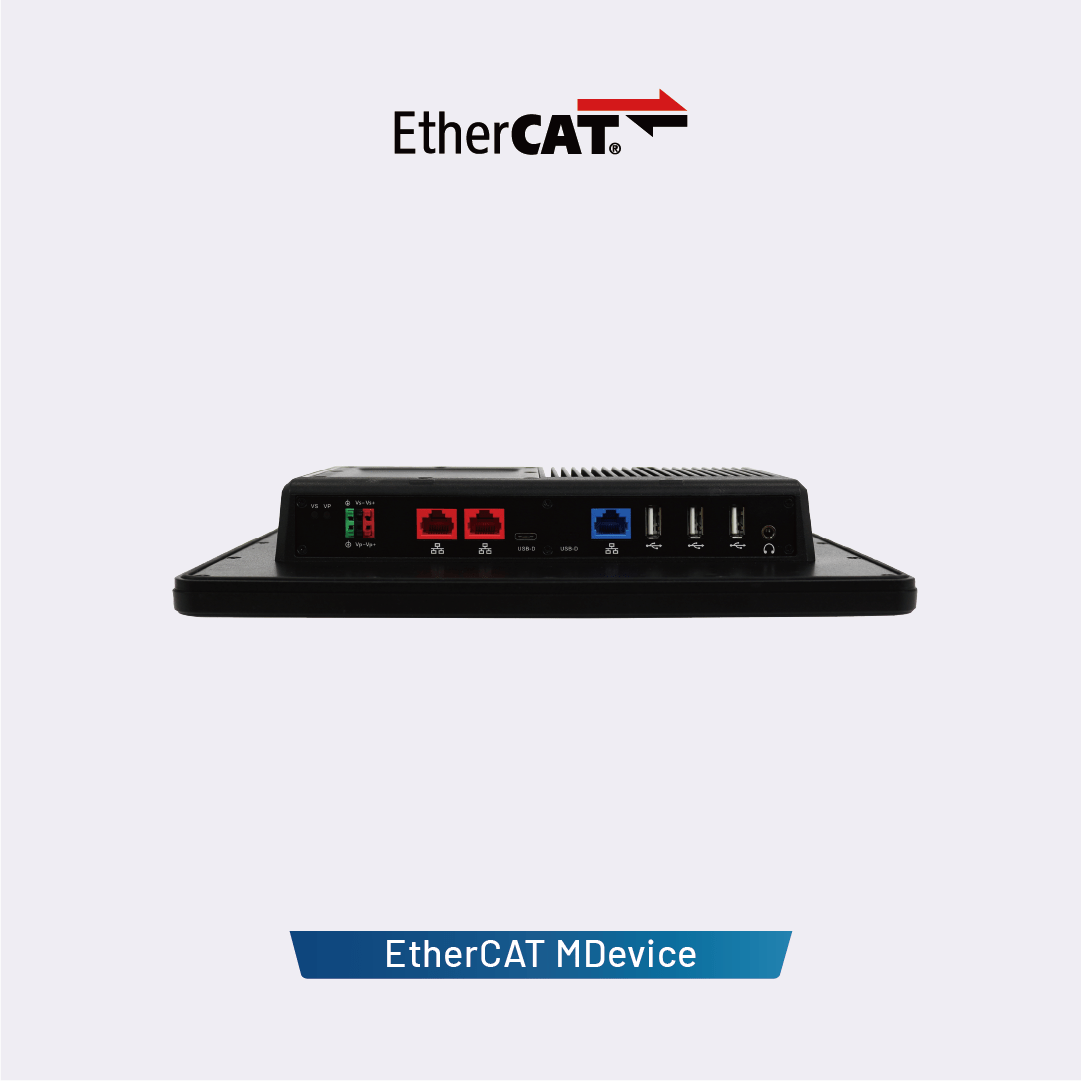
Each QEC-PPC-M unit features two EtherCAT ports (for redundancy), one Gigabit LAN port, three USB ports, one USB debug port (for uploading/debugging), and high-definition audio, all of which can be controlled via off-the-shelf libraries.


サイズ
QEC-PPC-M


重さ 4000 g
サイズ 354.81 × 280.84 × 55 mm
画面サイズ

15"

メモリ

512MB, 1GB

I/Oインターフェース

HD Audio, RJ45, USB 2.0, USB Type-C

電源供給

+12 → +50 VDC電源入力(標準+24 VDC)

製造

ICOP Technology

仕様

CPU DM&P Vortex86EX2プロセッサ、マスター533MHz/スレーブ400MHz
記憶装置 512MB/1GB DDRIII オンボード
記憶装置 32MB SPI Flash/2GB SLC eMMC
LCDディスプレイ Type: TFT-LCD
Size: 15-inch
Resolution (Pixel): 1024 (W) x 768 (H)
Brightness: 400 cd/m2
Touch Screen Type: Analog Resistive
LAN 1GbpsイーサネットRJ45 x1
100Mbps Ethernet RJ45 x2 for EtherCAT
I/Oコネクタ 電源DC入出力コネクタx1
USB (Type-C) x1 (Upload/Debug only)
USB 2.0 ホスト x3
HD Audio x1
RJ45 x3
プロトコル EtherCAT, Modbus, Ethernet, etc.
イーサネット規格 IEEE 802.3
制御サイクル時間 125 μs (最小)
電源コネクタ 4ピン電源入力/出力および2ピンFGND
電力要求 +12 → +50 VDC電源入力(標準+24 VDC)
消費電力 13W
動作温度 0 to +60°C/-20 to +70°C (Option)
寸法 354.81 x 280.84 x 55 mm
重量 4000g
内部モニタリング Temperature, Voltage, Current, Start-up time
ソフトウェア・サポート 86Duino Coding IDE 501+
(環境はJavaで記述され、Arduino IDE、Processing、DJGPP、およびその他のオープンソースソフトウェアに基づいています)

寸法

qecm150t_dimension

86Duinoソフトウェア

86duinoIDE_500_Logo

86Duino Coding IDE 501

86Duino統合開発環境(IDE)ソフトウェアを使用すると、コードを簡単に記述し、86Duinoボードにアップロードすることができます。Windows、Mac OS X、およびLinuxで動作します。この環境はJavaで記述されており、Arduino IDE、Processing、DJGPP、およびその他のオープンソースソフトウェアに基づいています。

The open-source 86Duino Software (IDE) also supports QEC products, making programming and deployment straightforward. For installation instructions, please refer to the Getting Started page (リリースノート). To ensure reliable performance and access to the latest updates, you can download the software from our official software center:

ライブラリー

86Duinoの環境は、ほとんどのプログラミングプラットフォームと同様に、ライブラリを使用して拡張することができます。ライブラリは、ハードウェアの操作やデータの操作など、スケッチで使用するための追加機能を提供します。IDEには多数のライブラリがインストールされており、86DuinoはほとんどのArduino標準ライブラリをサポートし、86Duino固有のハードウェア機能を利用するための専用ライブラリを提供します。

また、独自のライブラリをダウンロードまたは作成することもできます。見る これらの指示 ライブラリのインストールの詳細については、こちらをご覧ください。また、 チュートリアル あなた自身のライブラリを書くことについて。さらに、Arduinoの API スタイルガイド ライブラリに適したArduinoスタイルのAPIを作成するためのガイドラインについては、こちらをご覧ください。

スケッチでライブラリを使用するには、次の中からライブラリを選択します。 スケッチ > インポート ライブラリ.


サポートされているArduino標準ライブラリ

  • EEPROM –「永続」ストレージへの読み取りと書き込み。
  • イーサネット –オンボードLANコネクタを使用してインターネットに接続するため。
  • Firmata –標準のシリアルプロトコルを使用してコンピューター上のアプリケーションと通信するため。
  • 液晶 –液晶ディスプレイ(LCD)の制御用。
  • SD –SDカードの読み取りと書き込み用。
  • サーボ - サーボモーターの制御用。
  • SPI –シリアルペリフェラルインターフェイス(SPI)バスを使用してデバイスと通信するため。
  • ソフトウェアシリアル – デジタルピンでのソフトウェア実装のシリアル通信用。
  • ステッパー - ステッピングモーターの制御用。
  • ワイヤー – デバイスまたはセンサーのネットを介してデータを送受信するための 2 線式インターフェース (TWI/I2C)。

86Duino専用ライブラリ

  • モーション86 – 86Duinoを多軸モーションコントローラーとして製作。
  • Modbus –さまざまなModbus ASCII / RTU / TCPデバイスと通信するため。
  • CANBus –コントローラーエリアネットワーク(CANバス)を使用するデバイスと通信するため。
  • FirmataPlus86 – 86DuinoをScratchで接続します。
  • サーボ86 –ロボットの動きを制御するための拡張サーボモーターライブラリ。
  • AIServo86 –ロボットの動きを制御するためのシリアルサーボモーターライブラリ。

EtherCATライブラリ

  • EtherCAT – QEC を EtherCAT システムとして作成。

サポートされている(非標準の)Arduinoライブラリ

  • オーディオ – Arduino DueのオーディオライブラリのAPIを使用して、オンボードHDオーディオインターフェイスにアクセスします。
  • タイマーワン – Arduino TimerOneライブラリのAPIを使用して、86Duinoの32ビットハードウェアタイマーにアクセスします。
  • MsTimer2 – Arduino MsTimer2ライブラリのAPIを使用して、86Duinoの2番目のハードウェアタイマーにアクセスします。
  • タイム86 – Arduino TimeライブラリのAPIでオンボードRTCタイマーを読み取ります。
  • SCoop – Arduino用のSimple Cooperative SchedulerのAPIを提供して、強力なマルチスレッドプログラムまたは簡単なマルチタスクソリューションを作成するための軽量でシンプルな環境にアクセスします。

こちらも参照 一覧表 86Duinoと互換性のある他のArduinoサードパーティライブラリの。

qec-ppc-m-150-dm_v1

ダウンロード

qec-ppc-m-um_v1r0

ダウンロード
お買い物カゴ
上部へスクロール